Howdy
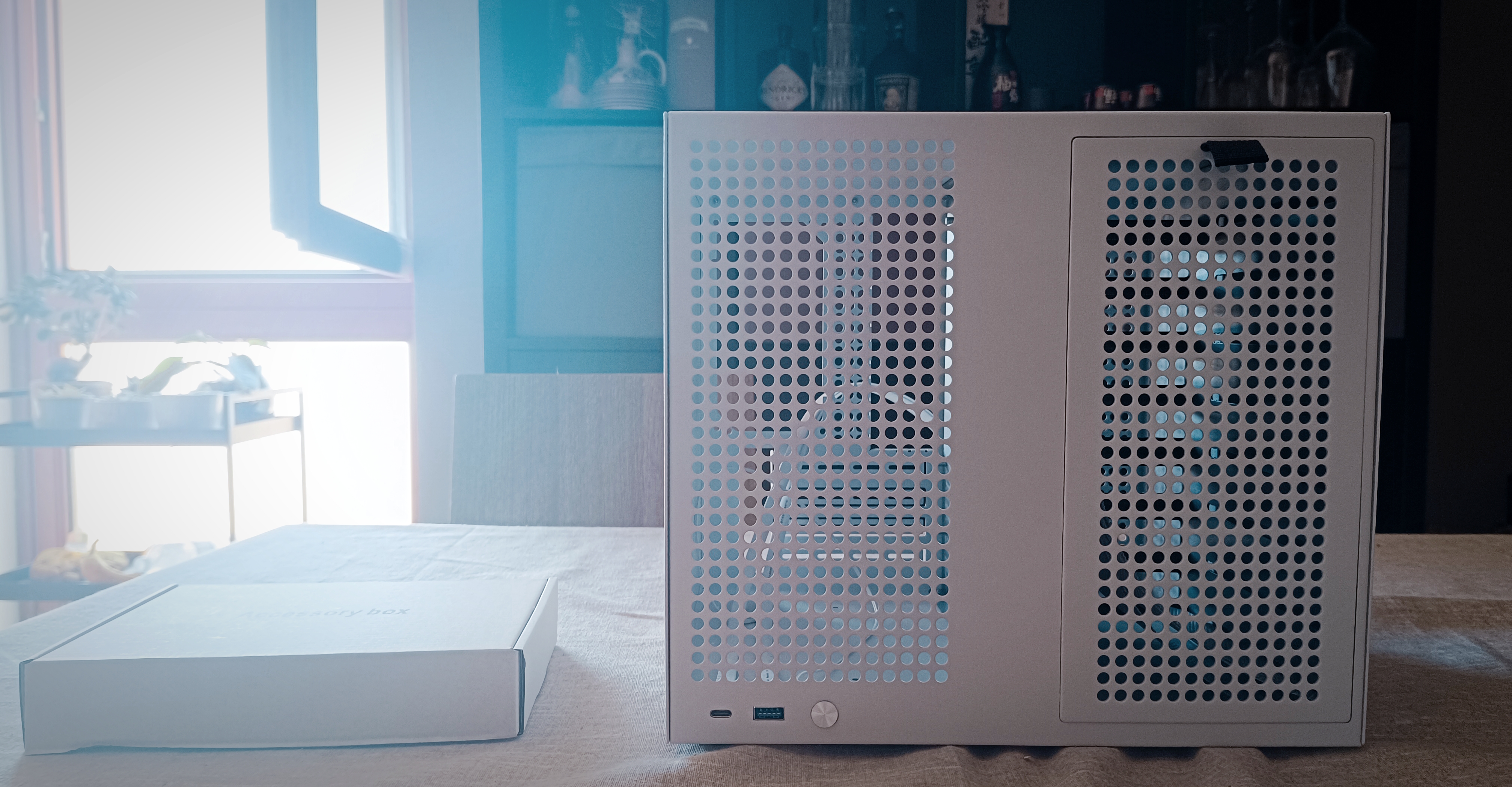
After exactly a month, the Sagittarius 8-bay case was finally delivered. I don’t know what’s going on in the Netherlands, but my parcel must have been living its best life-it vacationed in Northern European customs for over two weeks.
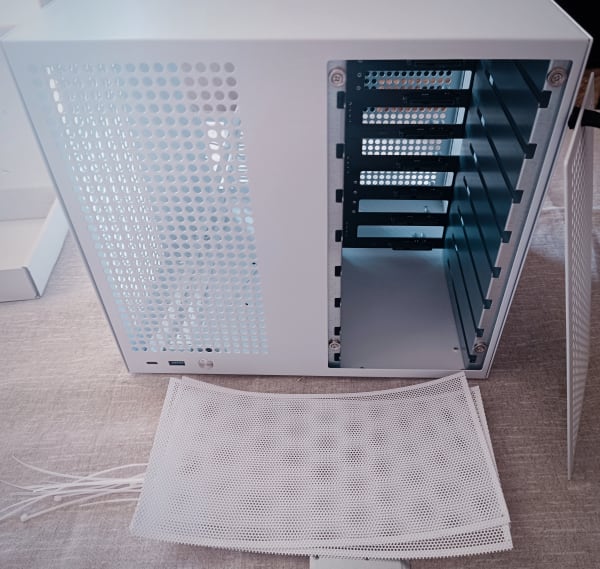
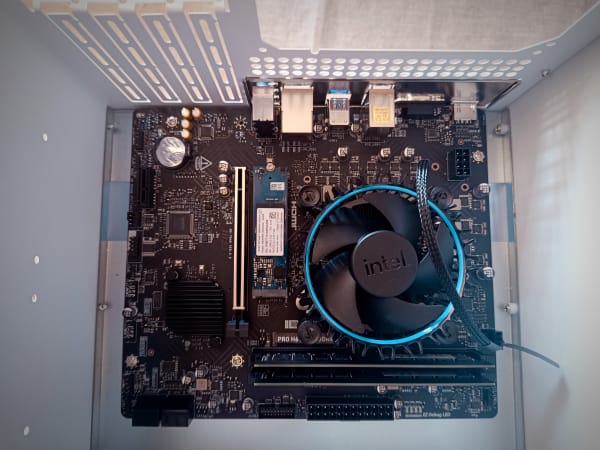
I’ve been building PCs from spare parts since I was 8. And while this was my first mATX build, opening this case made me realize two things:
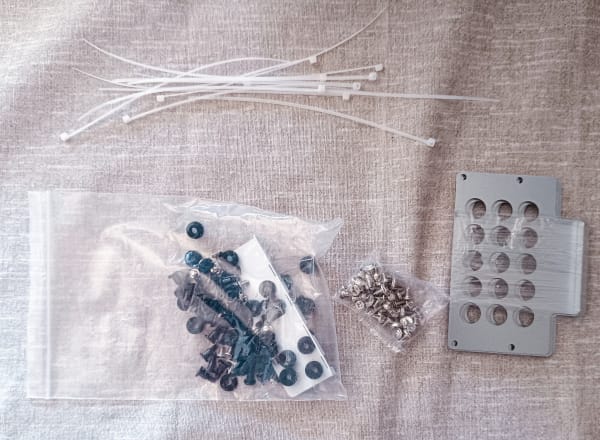
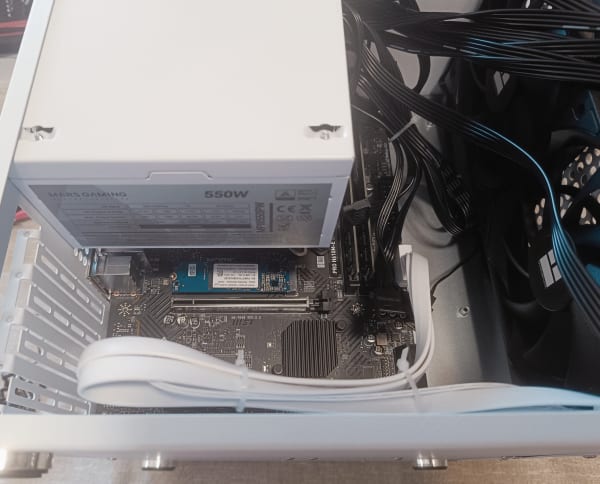
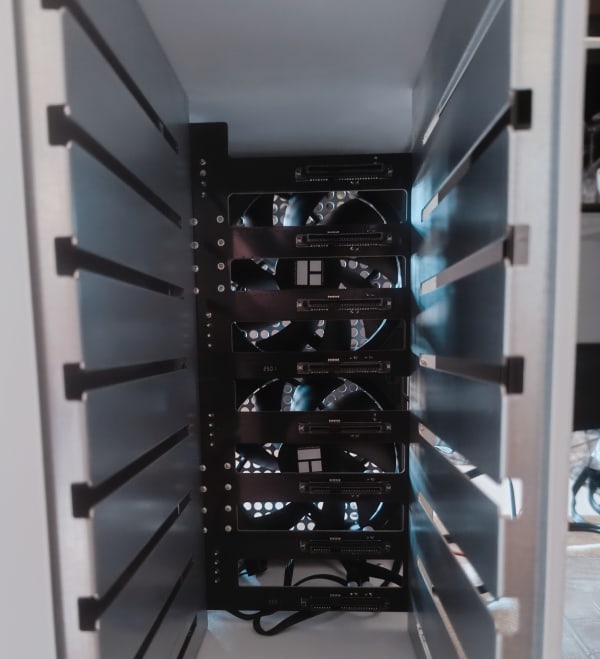
- This case is an expensive piece of garbage: Despite the price tag bordering on “premium,” the build quality screams early 2000s garage-sale special. Painted sheet metal. Poorly assembled. Screws that look like they were drilled in by a sleep-deprived raccoon. No cable management, no instructions-just hot, metallic, overpriced junk. But if you want an 8-bay case for under €200… well, your choices are slim.
- Assembly was a blood-and-tears affair. I can usually build a PC in under an hour. This took three hours. Why? No documentation. Zero planning support. A complete trial-and-error expedition. And the cherry on top? A broken power switch. Oh yeah-we’ll get to that in a second.
Not Really a Review, Just Vibes
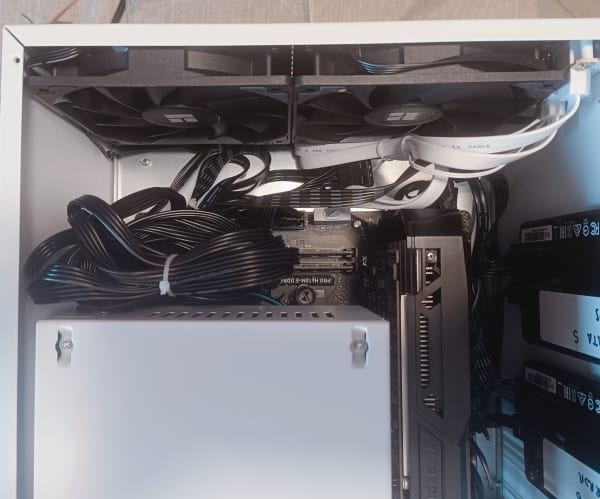
A huge chunk of time was wasted retracing my steps. Imagine assembling IKEA furniture blindfolded-with extra screws that don’t belong. Cable routing was a disaster. The whole screw-based mounting system (with unlabeled screws) had me going full “unscrew-rescrew” mode more than once.
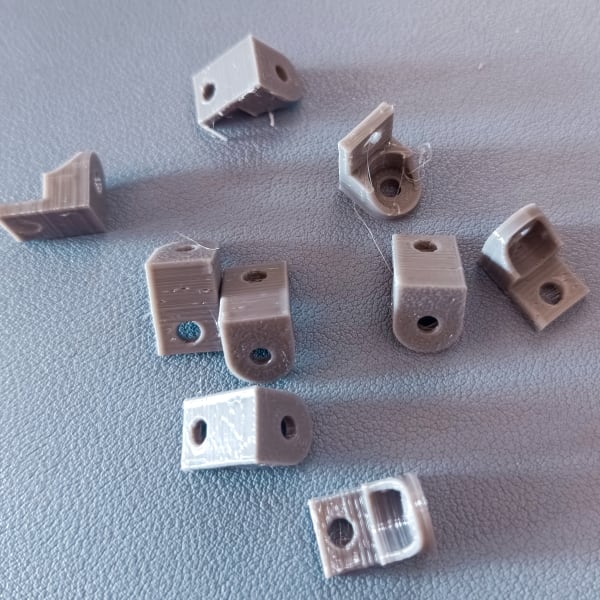
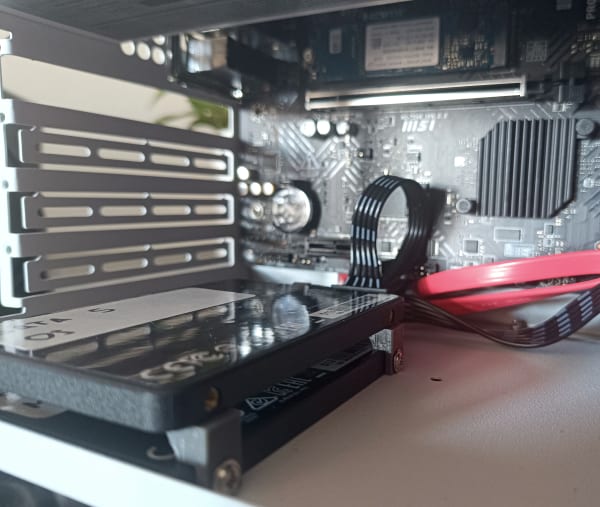
Shoutout to my 3D printer, though. I originally mounted two SSDs in their default slots, eating up all the space for future drives. But after hunting down a clever STL to stack them, I’ve opened up room for two more. That means I can eventually separate VM/container storage into its own pool. Finally, some silver lining.
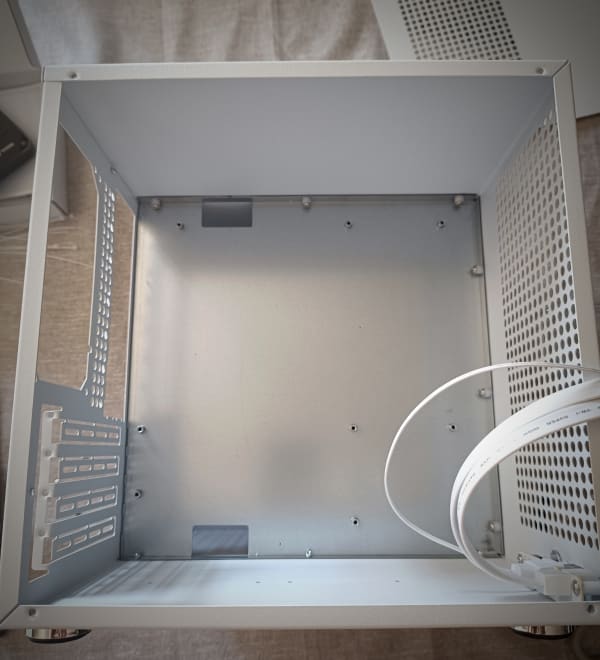
Power Button Fails and Late-Night Soldering
Once I had everything in place… nothing. No power. Nada.
RAM? Checked.
PCI slots? Checked.
Drives? Checked.
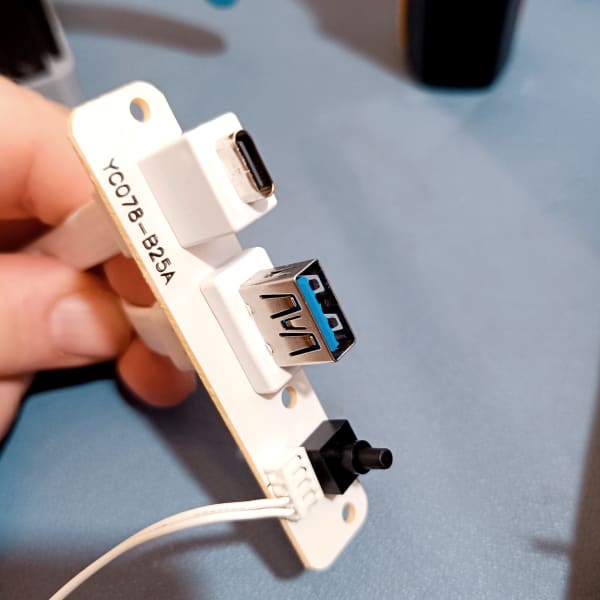
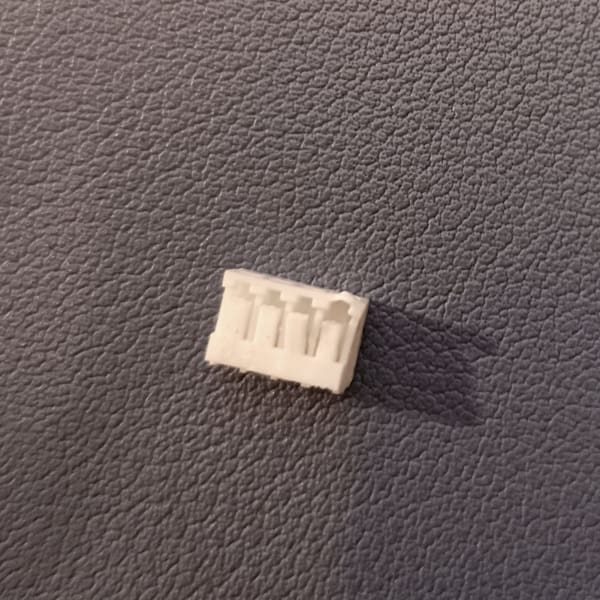
It turns out the power button wasn’t making full contact. Like, at all. A weird, janky switch that probably came from a failed science fair project. I had to solder it late at night just to get basic functionality. That’s a first.
I’ve already requested a spare. Let’s see if it ever arrives before the heat death of the universe.
Hot take: Don’t buy this case unless it’s second-hand and super cheap.
Drifting From the Original Plan
So I finally got it to boot. 🎉
Then… my NIC (network interface card) started ghosting me. With the 1050 Ti installed, the NIC blinked briefly at boot-then nothing. The OS saw it, but it wouldn’t connect. Router? Clueless. Like it was unplugged.
I tried everything: new cables, new ports, software voodoo… no dice. Removed the GPU and-voilà!-the NIC came back to life.
No idea what’s going on there. If you’ve seen this weird behavior before, I’d love to know. The GPU wasn’t a must-have, so I’m letting it go… but I’m still a bit sad.
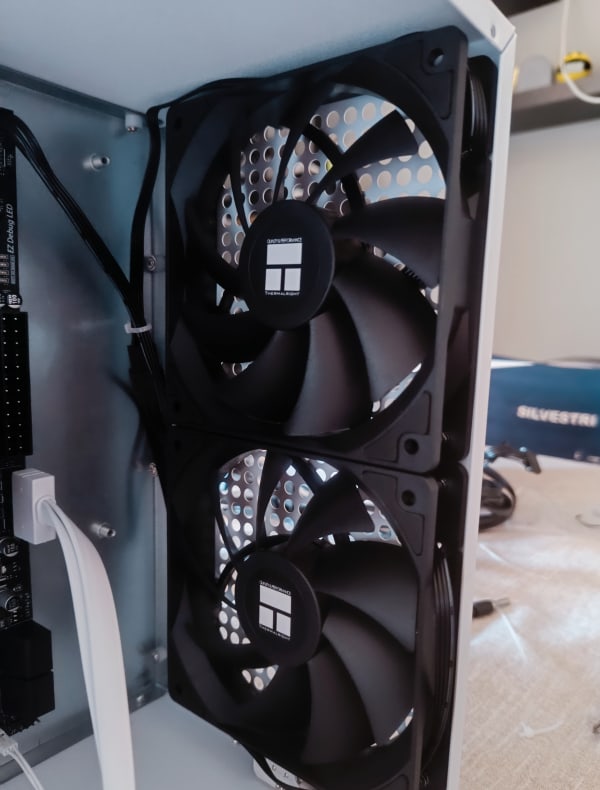
Also: next PSU will likely be an SFX. I need more room inside for airflow. I did manage to mount 4 out of 5 fans, and they’re quiet and cool, which was a nice surprise!
Dealing With SLOG? Detach It First
In the middle of troubleshooting the GPU issue, I messed up my NVIDIA drivers. So I decided to reinstall Proxmox from scratch.
Great idea, except… I forgot to remove the SLOG device from the rpool. This meant every reinstall attempt resulted in a borked partition table. Oops.
Eventually, I booted into the initramfs shell and removed the slog manually. Took a few (okay, almost 10) attempts, but hey-Proxmox noob here. Learning by fire is still learning, right? 😛
To Cluster or Not to Cluster?
My homelab’s growing fast, and I’m starting to consider clustering my gear together. I’ve probably got enough to make a solid 3-node cluster, retain quorum, and level up the whole setup.
But here’s the thing: I don’t need high availability. None of my services are mission critical (for now, at least). I’m more interested in using this as a sandbox for networking and infrastructure knowledge before I go full Proxmox overlord.
Next time, we’ll explore the software side of things. Proxmox tips, container shenanigans, and maybe some automation with Ansible or Terraform? Who knows!
Until then…
Happy building ⚒
PS: Thingverse link to download the stl stacker by ryang3d or direct download link to the model I’ve printed