Howdy
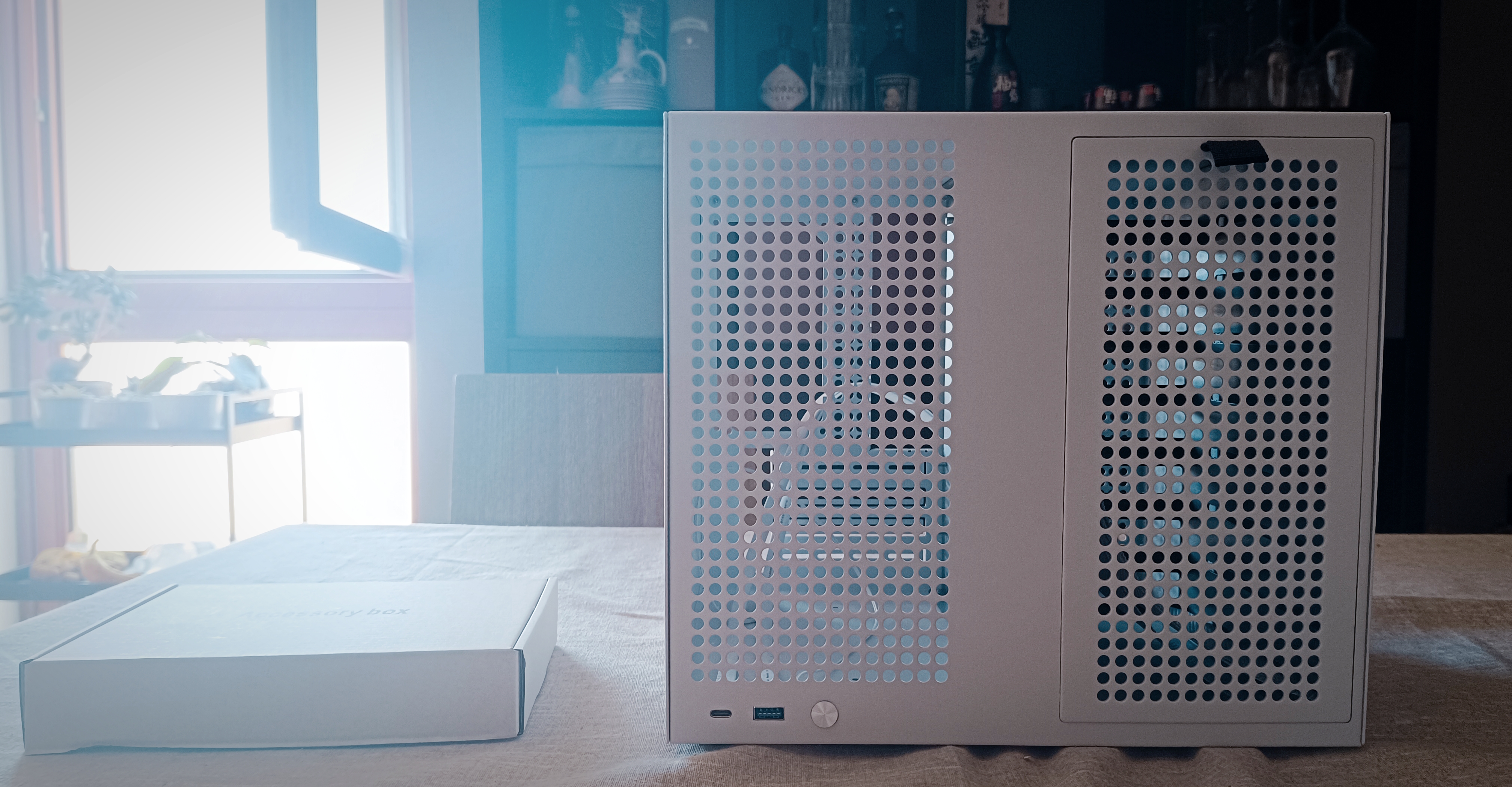
After exactly a month, the Sagittarius 8-bay case was finally delivered. I don’t know what’s going on in the Netherlands, but my parcel must have been living its best life—it vacationed in Northern European customs for over two weeks.
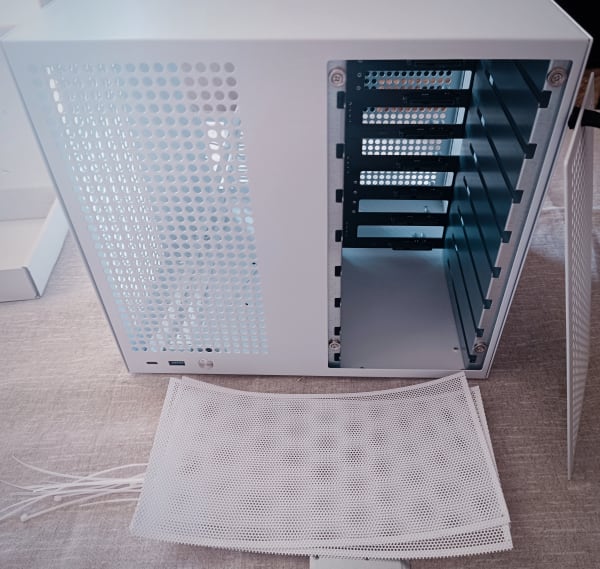
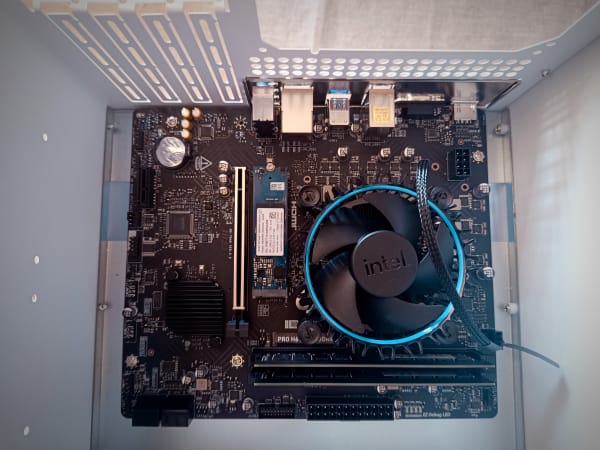
I’ve been building PCs from spare parts since I was 8. And while this was my first mATX build, opening this case made me realize two things:
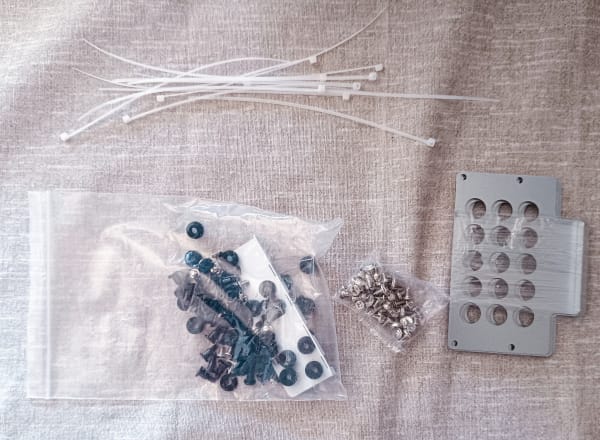
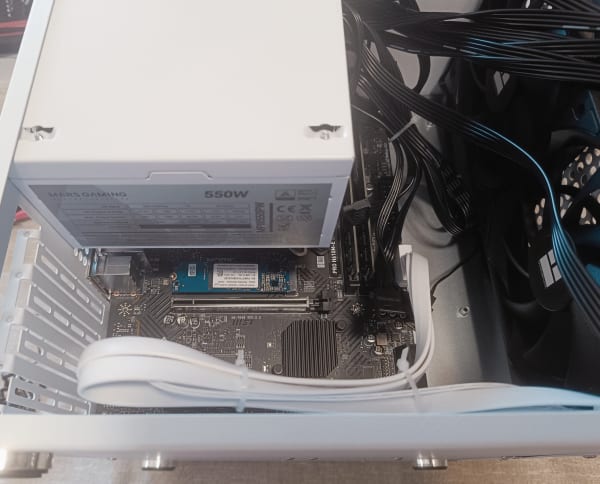
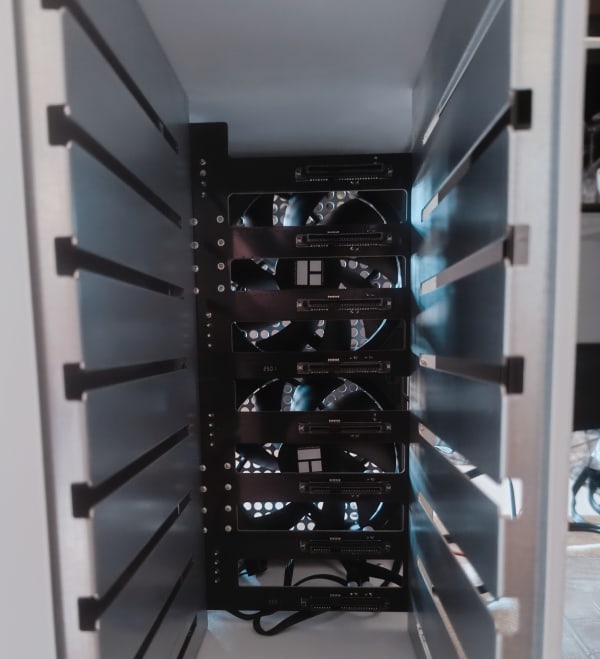
- This case is an expensive piece of garbage: Despite the price tag bordering on “premium,” the build quality screams early 2000s garage-sale special. Painted sheet metal. Poorly assembled. Screws that look like they were drilled in by a sleep-deprived raccoon. No cable management, no instructions—just hot, metallic, overpriced junk. But if you want an 8-bay case for under €200… well, your choices are slim.
- Assembly was a blood-and-tears affair. I can usually build a PC in under an hour. This took three hours. Why? No documentation. Zero planning support. A complete trial-and-error expedition. And the cherry on top? A broken power switch. Oh yeah—we’ll get to that in a second.
Not Really a Review, Just Vibes
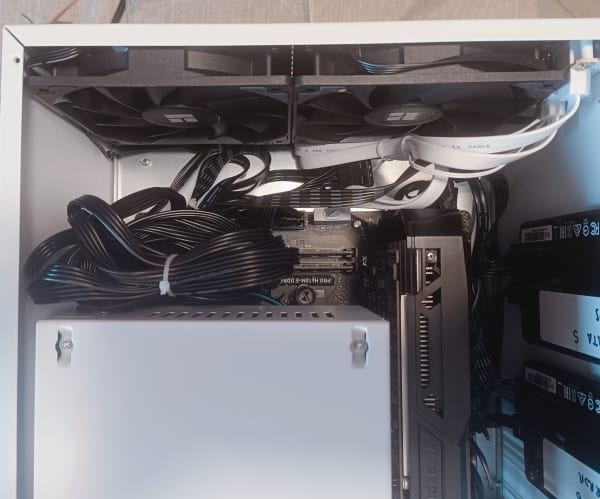
A huge chunk of time was wasted retracing my steps. Imagine assembling IKEA furniture blindfolded—with extra screws that don’t belong. Cable routing was a disaster. The whole screw-based mounting system (with unlabeled screws) had me going full “unscrew-rescrew” mode more than once.
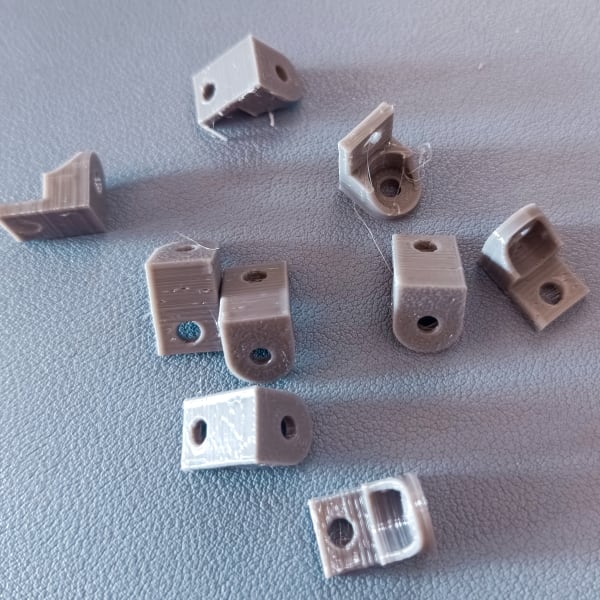
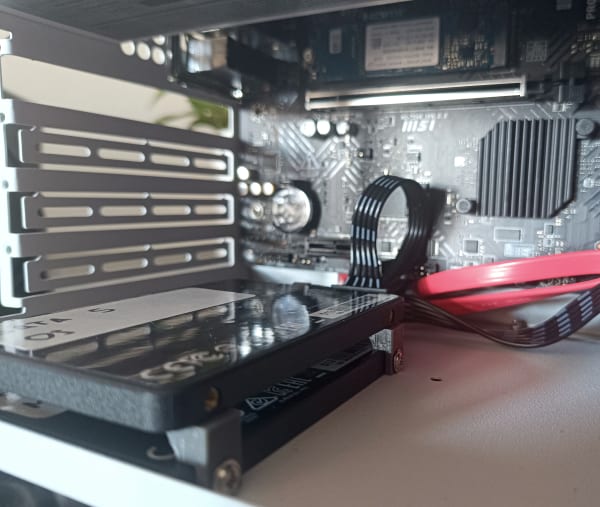
Shoutout to my 3D printer, though. I originally mounted two SSDs in their default slots, eating up all the space for future drives. But after hunting down a clever STL to stack them, I’ve opened up room for two more. That means I can eventually separate VM/container storage into its own pool. Finally, some silver lining.
Power Button Fails and Late-Night Soldering
Once I had everything in place… nothing. No power. Nada.
RAM? Checked.
PCI slots? Checked.
Drives? Checked.
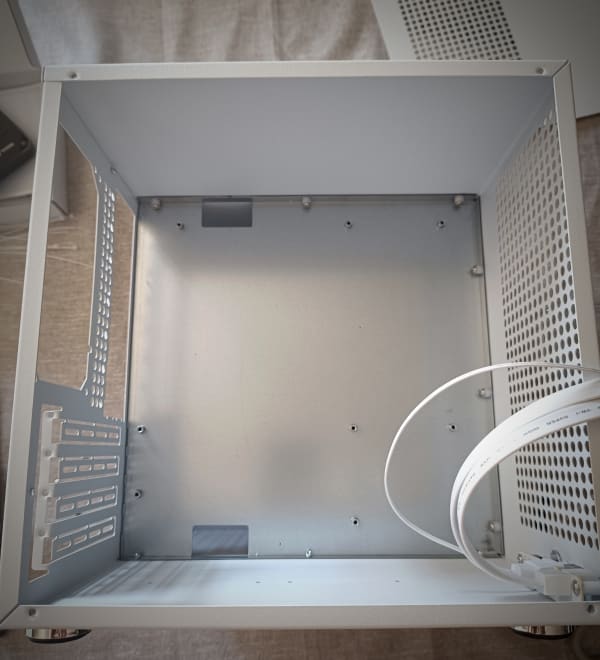
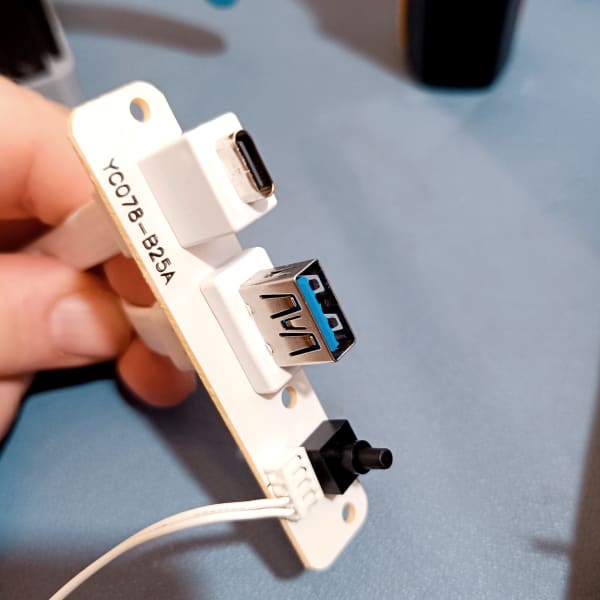
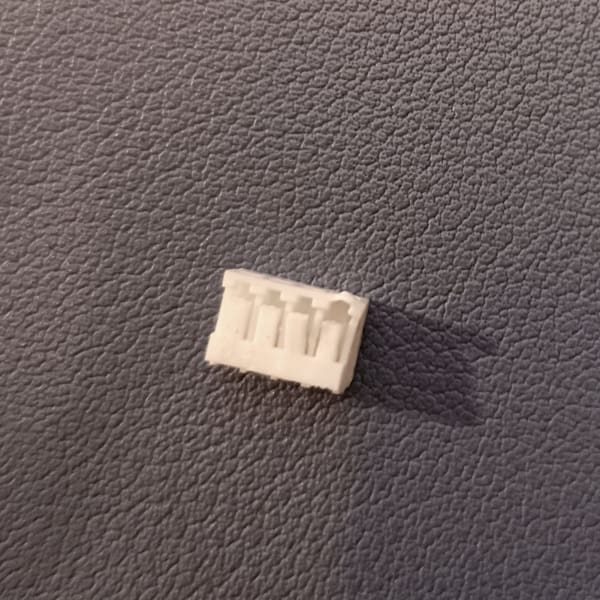
It turns out the power button wasn’t making full contact. Like, at all. A weird, janky switch that probably came from a failed science fair project. I had to solder it late at night just to get basic functionality. That’s a first.
I’ve already requested a spare. Let’s see if it ever arrives before the heat death of the universe.
Hot take: Don’t buy this case unless it’s second-hand and super cheap.
Drifting From the Original Plan
So I finally got it to boot. 🎉
Then… my NIC (network interface card) started ghosting me. With the 1050 Ti installed, the NIC blinked briefly at boot—then nothing. The OS saw it, but it wouldn’t connect. Router? Clueless. Like it was unplugged.
I tried everything: new cables, new ports, software voodoo… no dice. Removed the GPU and—voilà!—the NIC came back to life.
No idea what’s going on there. If you’ve seen this weird behavior before, I’d love to know. The GPU wasn’t a must-have, so I’m letting it go… but I’m still a bit sad.
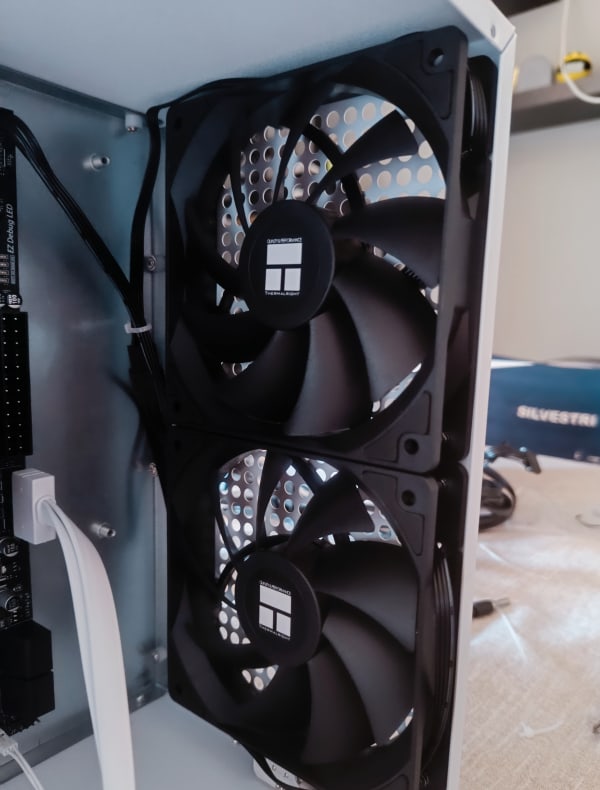
Also: next PSU will likely be an SFX. I need more room inside for airflow. I did manage to mount 4 out of 5 fans, and they’re quiet and cool, which was a nice surprise!
Dealing With SLOG? Detach It First
In the middle of troubleshooting the GPU issue, I messed up my NVIDIA drivers. So I decided to reinstall Proxmox from scratch.
Great idea, except… I forgot to remove the SLOG device from the rpool. This meant every reinstall attempt resulted in a borked partition table. Oops.
Eventually, I booted into the initramfs shell and removed the slog manually. Took a few (okay, almost 10) attempts, but hey—Proxmox noob here. Learning by fire is still learning, right? 😛
To Cluster or Not to Cluster?
My homelab’s growing fast, and I’m starting to consider clustering my gear together. I’ve probably got enough to make a solid 3-node cluster, retain quorum, and level up the whole setup.
But here’s the thing: I don’t need high availability. None of my services are mission critical (for now, at least). I’m more interested in using this as a sandbox for networking and infrastructure knowledge before I go full Proxmox overlord.
Next time, we’ll explore the software side of things. Proxmox tips, container shenanigans, and maybe some automation with Ansible or Terraform? Who knows!
Until then…
Happy building ⚒
PS: Thingverse link to download the stl stacker by ryang3d or direct download link to the model I’ve printed