Howdy
This is just a super-quick update. As expected, the parts I ordered have started arriving in multiple shipments—everything but the case. At the time I’m writing this, it’s been stuck in the Netherlands for over two weeks!
Since some of the parts I bought are second-hand, I needed to test them while waiting. Plus, I managed to recover two extra components I had lying around:
- A 32 GB Optane module I had previously installed in my workstation, now unused;
- An NVIDIA 1050 Ti, which I thought was dead and had tossed into a drawer. I’m glad I didn’t throw it out—after a deep clean and a generous spray of WD-40, it came back to life!
Assembly went so smoothly that reading about it might actually be boring. I had zero issues with the hardware. Even if I wanted to invent some drama, there’s nothing to complain about.
One small note: if you’re assembling a PC without a case, remember you’ll need a way to power it on! I realized this only after everything was mounted… Fortunately, I had some switches already pre-soldered with JST connectors. A quick check in the motherboard manual, a click—and everything was up and running.
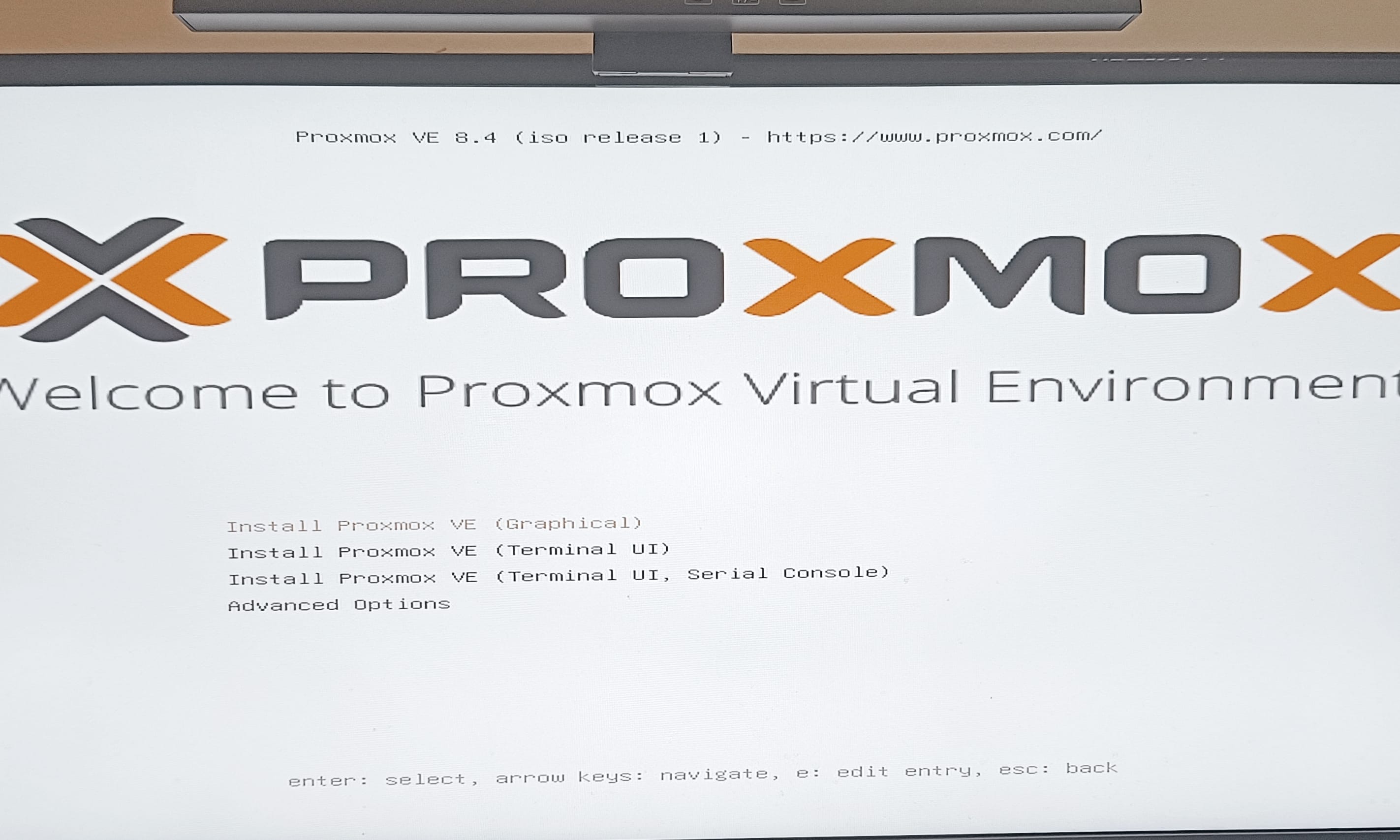
I installed Proxmox, checked that everything was OK and—boom!—it all worked on the first try.
The only hiccup was a warning in the logs: a time mismatch between the BIOS and system clock because the first boot was offline. The error looked like this:
Apr 25 10:18:43 nerdvana pmxcfs\[4674]: \[status] notice: RRD update error /var/lib/rrdcached/db/pve2-storage/nerdvana/local: /var/lib/rrdcached/db/pve2-storage/nerdvana/local: illegal attempt to update using time 1745569123 when last update time is 1745596572 (minimum one second step)
After some research—and a quick ChatGPT session — I flushed all the RRD logs:
systemctl stop pve-cluster
systemctl stop rrdcached
rm -rf /var/lib/rrdcached/db/*
rm -rf /var/lib/rrdcached/journal/*
systemctl start rrdcached
systemctl start pve-cluster
And the warning disappeared!
To SLOG or not to SLOG?
What to do with the newly recovered Optane module? These little drives are fast and durable, so my first thought was to use it as the OS disk. But with only 32 GB, it’s too small for everything I want to install.
So, even if I might not need it right now, I decided to use it as a ZIL/SLOG device. I’m not currently planning to perform heavy synchronous writes, but it’s better than letting it gather dust.
After setting up my two SSDs as a mirrored rpool, adding the SLOG was simple:
zpool add rpool log /dev/nvme0n1
And if I change my mind and want to use the M.2 slot for something else later:
zpool remove rpool /dev/nvme0n1
ZFS will safely copy any unwritten data and remove the device. Then I can physically remove it and repurpose the slot.
And the 1050Ti?
Long gone are the days I used the 1050 Ti for gaming — it was replaced by a GTX 1660 Super before the great GPU shortage. After mining some Ravencoin with it in my workstation, it just stopped working one day. I tossed it in the “maybe later” drawer, where it sat until now.
As I’m preparing this new build, I figured I’d give it one last try. I had no idea if it would work (hence why I bought a CPU with integrated graphics). Sure enough, when I first plugged it in — nothing. It warmed up a bit, but no signal from the BIOS. Usually that points to a short or internal failure. I cleaned it gently with a brush—still nothing.
Since I don’t have the tools for advanced diagnostics or reflowing the board, I went all-in: WD-40 and a toothbrush. If I was going to throw it out anyway, I might as well try everything.
Against all odds, it worked!
Do I really need it? Not at the moment. But it’s nice to have. I doubt it can handle any serious LLM work, but it’s probably better than the iGPU. Worst case, I’ll have it doing video encoding.
I’m really looking forward to finally receiving the case and finishing this first part of the build. I’ll keep you posted.
In the meantime…
Happy building ⚒